

MacWashing vs CleanMyMac
Checked both apps on the same Mac
Both apps checked the same Mac with the same files. Five tests: a Mac with a classic web developer stack, an iPhone developer’s Mac, a video editor’s Mac, a photographer’s Mac and an everyday user’s Mac. Below is how much junk each one found.
In short
| App | Web developer | iPhone developer | Video editor | Photographer | Everyday user |
|---|---|---|---|---|---|
| MacWashing | 25.34 GB | 37.77 GB | 25.76 GB | 23.35 GB | 22.75 GB |
| CleanMyMac | 6.41 GB | 37.2 GB | 6.95 GB | 4.6 GB | 18.9 GB |
How much junk each app found: the user’s large files and the space macOS frees by itself are not counted. Green is the best result in a column.
The apps in this comparison
MacWashing
MacWashing- Free up to 25 GB
- Subscription or lifetime
Checks every removal against its rules database: what it doesn’t know, it leaves alone. Apps and large files go to the Trash by default, so they can be put back.
CleanMyMac
MacPaw- Subscription
- Has a trial
The best-known Mac cleaner, by MacPaw: cleanup, removing apps with their leftovers, malware checks, speed tools. Sold by subscription, with a free trial.
Developer’s site ↗A Mac with a classic web developer stack
Test 1 of 5- 10 projects: Node.js, PHP, Python
- 8 of them untouched for over 90 days
- VS Code, iTerm2, Chrome, Postman, Docker Desktop
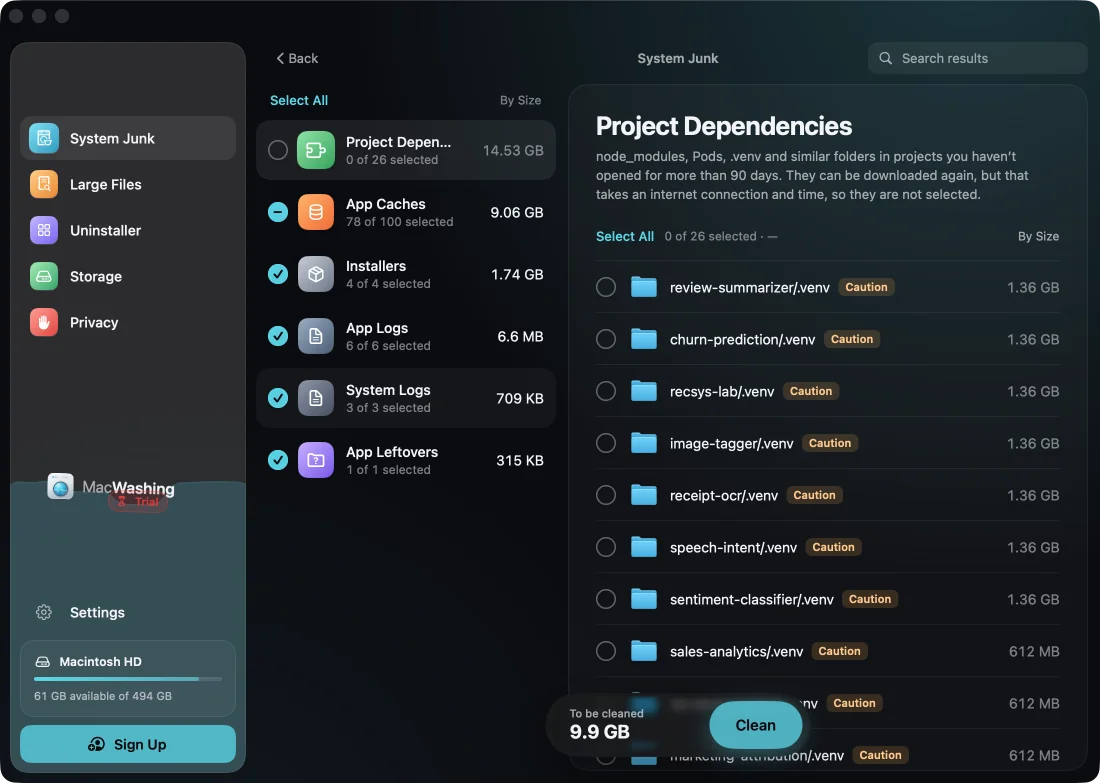
MacWashing after the scan1 of 2
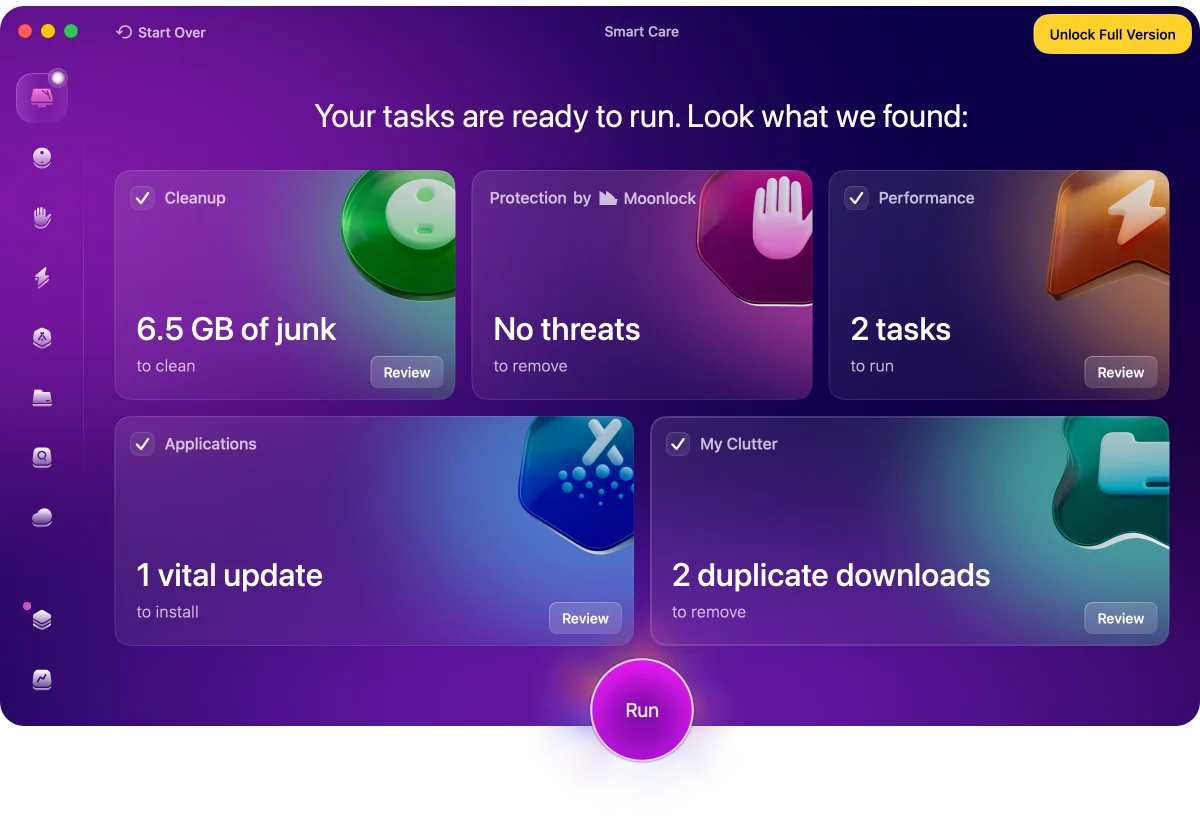
CleanMyMac after the scan2 of 2
How much each app found
MacWashingCleanMyMacjunk: caches, logs, leftovers of appsdependencies of old projects (found, not ticked)not junk: languages and parts of apps, mail attachments, backups
Versions: MacWashing 2.3.4 · CleanMyMac 5.7.1
An iPhone developer’s Mac
Test 2 of 5- Xcode, CocoaPods, Proxyman, Xcodes
- Slack, Discord, Chrome, Safari
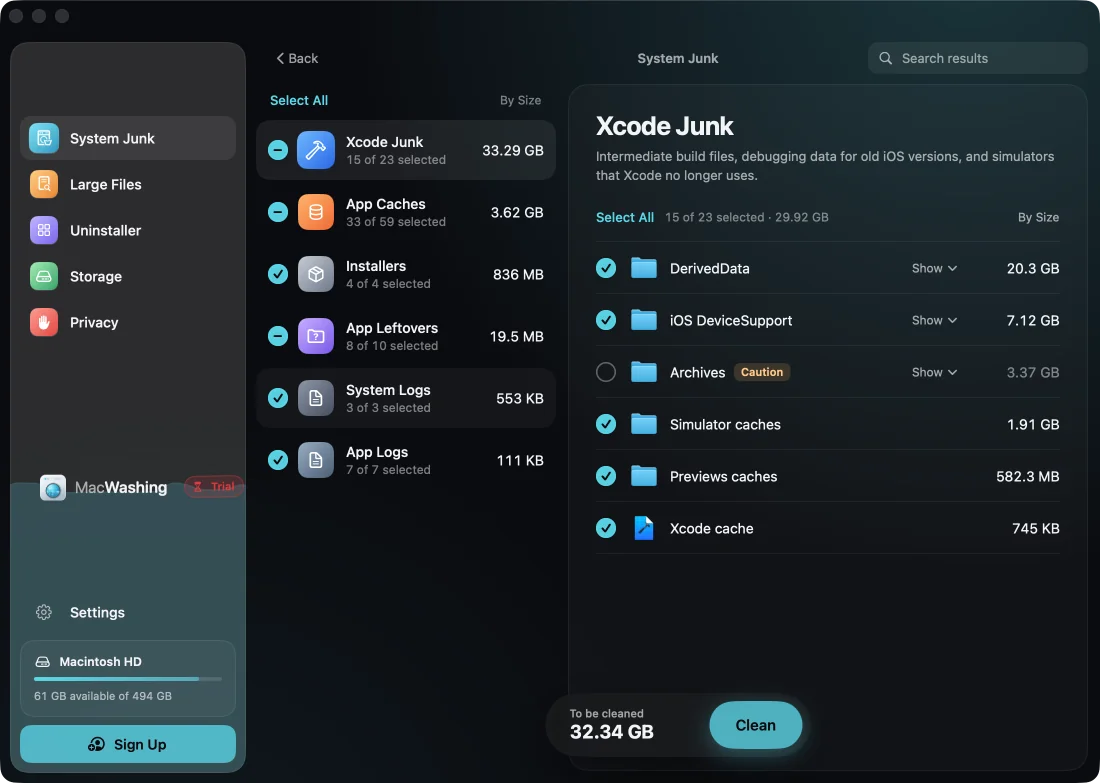
MacWashing after the scan1 of 2
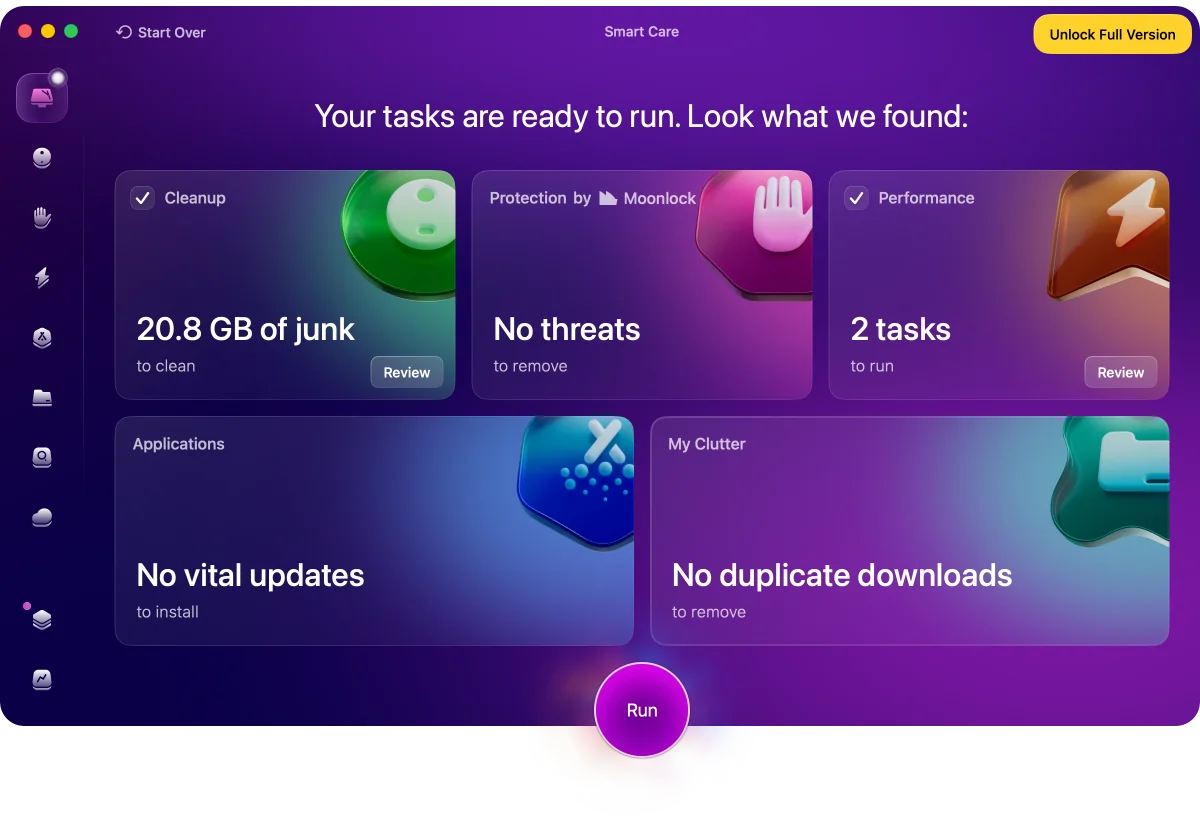
CleanMyMac after the scan2 of 2
How much each app found
MacWashingCleanMyMacjunk: caches, logs, leftovers of appsnot junk: languages and parts of apps, mail attachments, backups
Versions: MacWashing 2.3.4 · CleanMyMac 5.7.1
A video editor’s Mac
Test 3 of 5- Premiere Rush, iMovie, CapCut
- HandBrake, LosslessCut, Kap, VLC
- The user’s projects and original footage
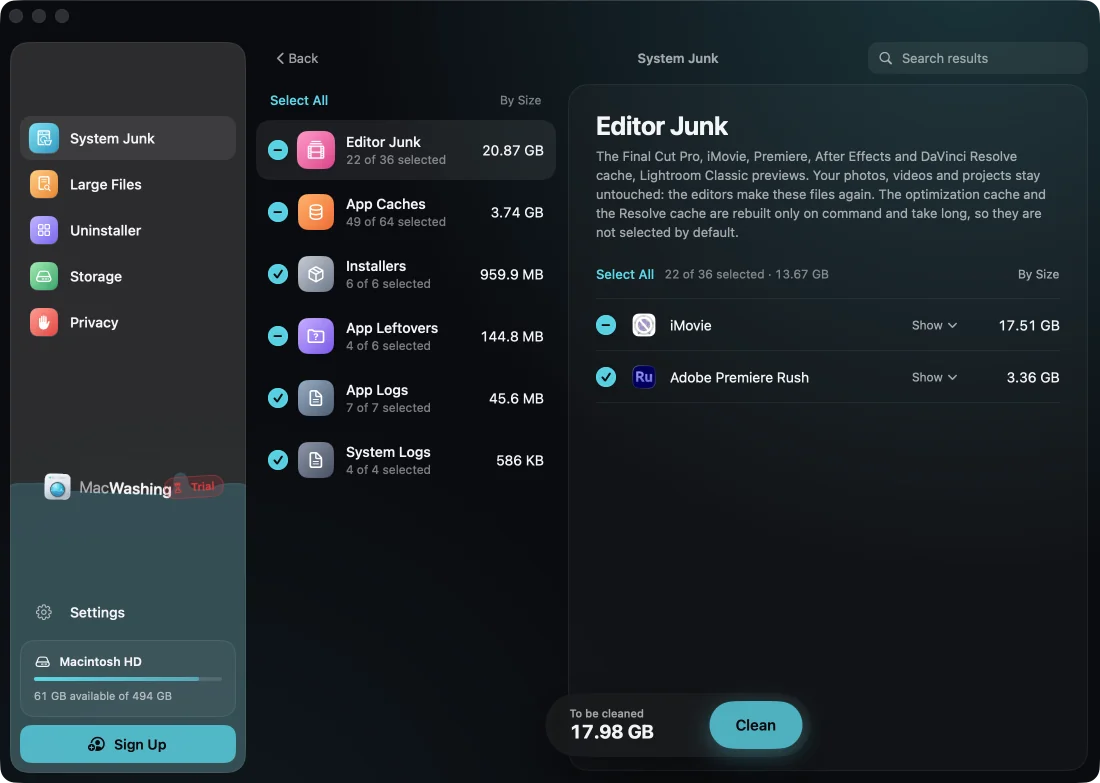
MacWashing after the scan1 of 2
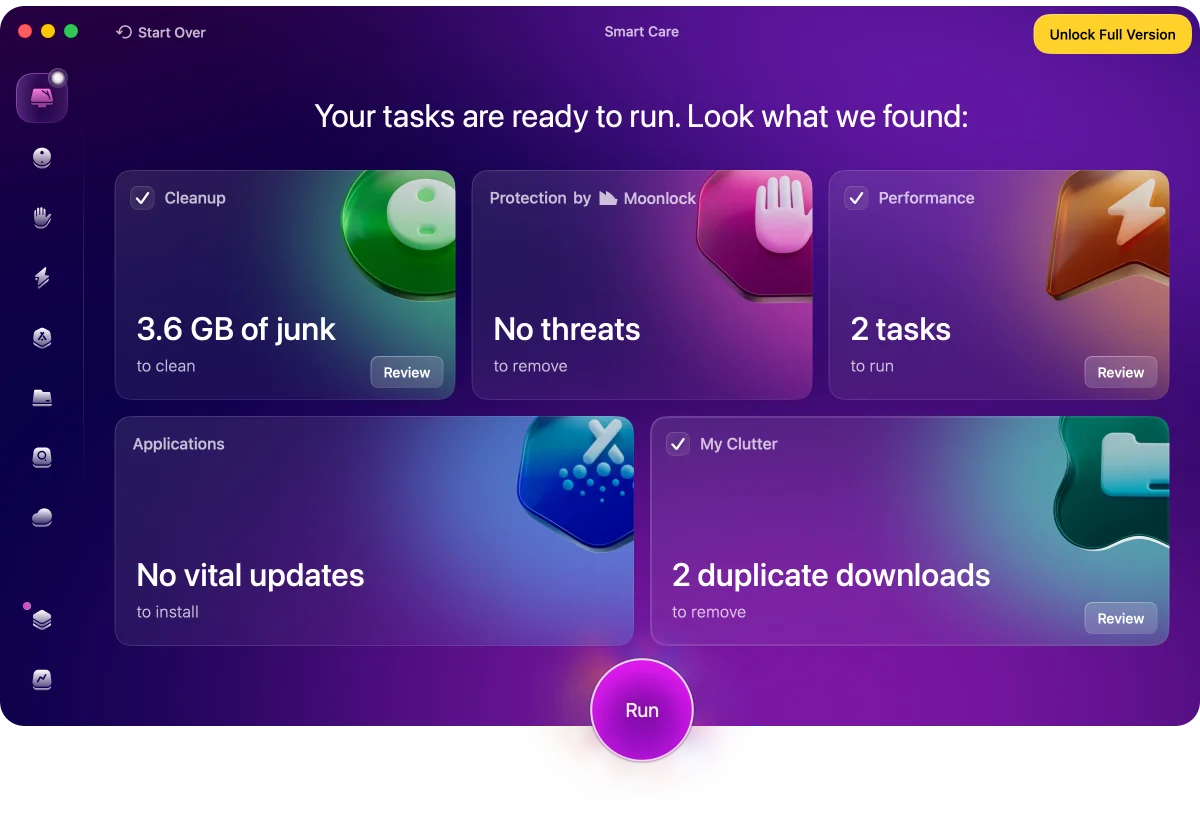
CleanMyMac after the scan2 of 2
How much each app found
MacWashingCleanMyMacjunk: caches, logs, leftovers of appsnot junk: languages and parts of apps, mail attachments, backups
Versions: MacWashing 2.3.4 · CleanMyMac 5.7.1
A photographer’s Mac
Test 4 of 5- Lightroom Classic, GIMP, ImageOptim
- The user’s RAW photos and exports
- Chrome, Telegram, Spotify
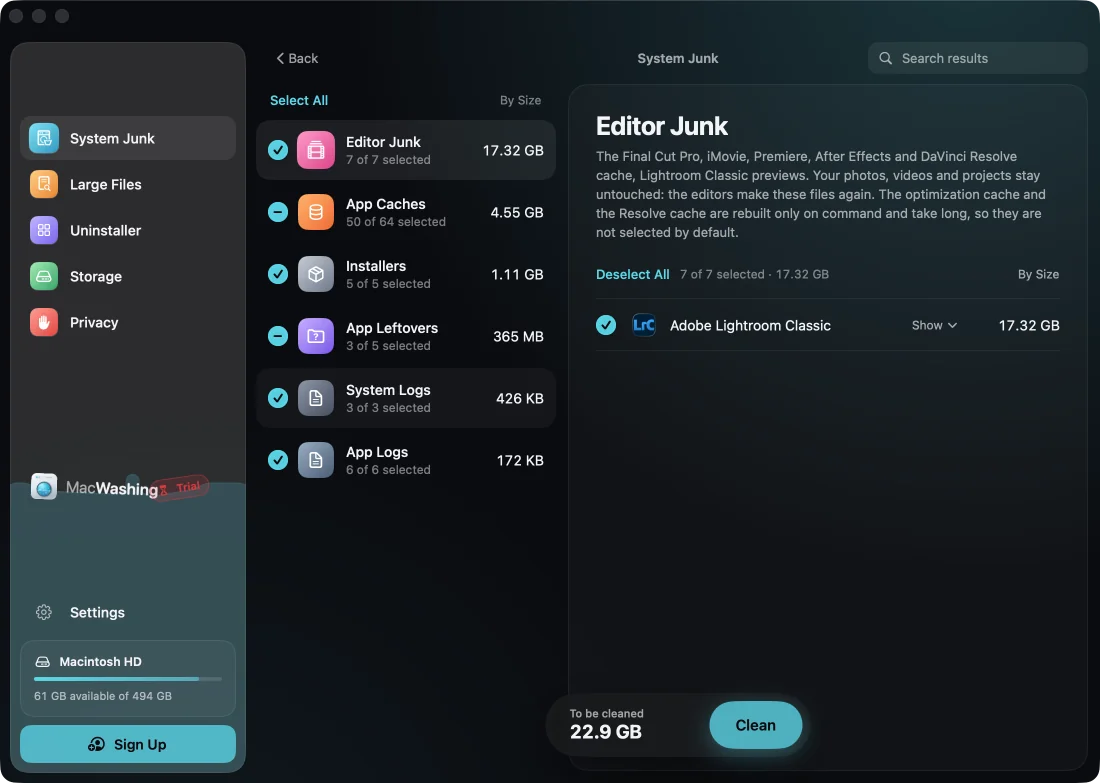
MacWashing after the scan1 of 2
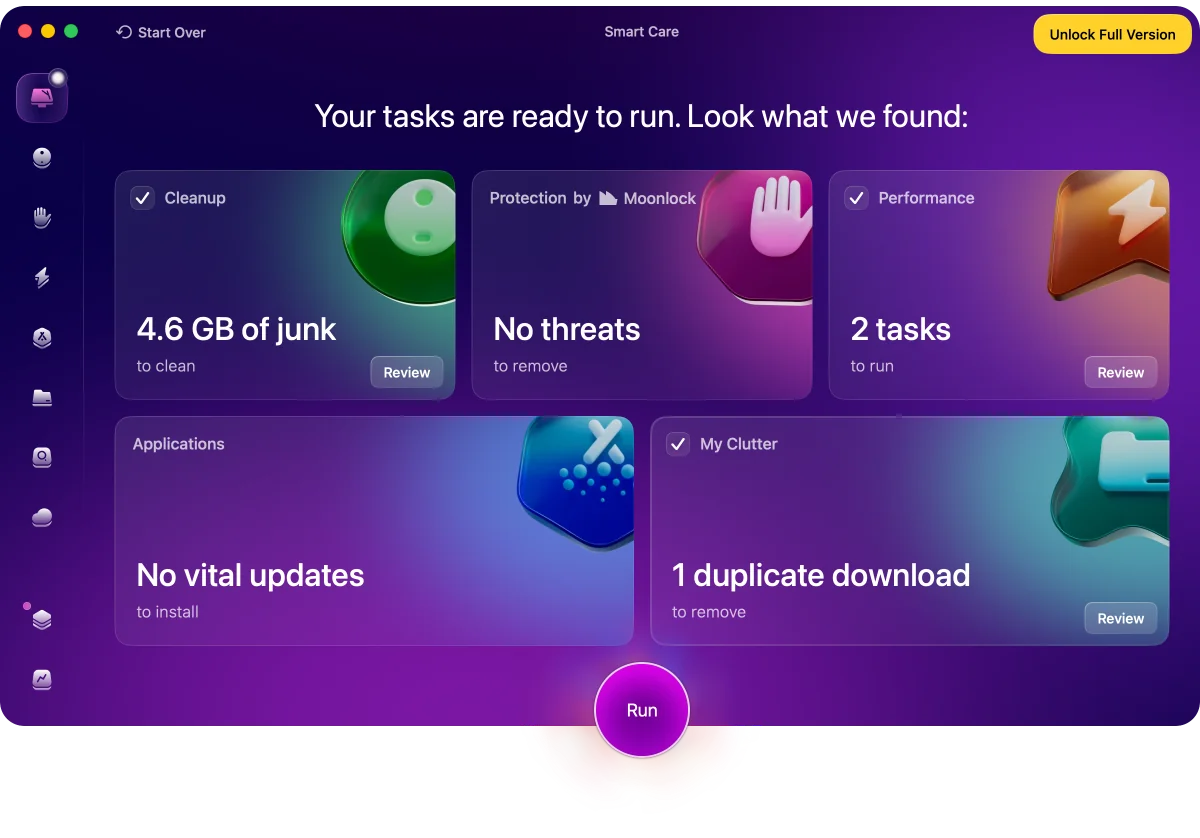
CleanMyMac after the scan2 of 2
How much each app found
MacWashingCleanMyMacjunk: caches, logs, leftovers of appsnot junk: languages and parts of apps, mail attachments, backups
Versions: MacWashing 2.3.4 · CleanMyMac 5.7.1
An everyday user’s Mac
Test 5 of 5- Chrome, Safari, Brave
- Telegram, WhatsApp, Zoom, Discord, Slack, Teams
- Spotify, VLC, Steam, OBS Studio
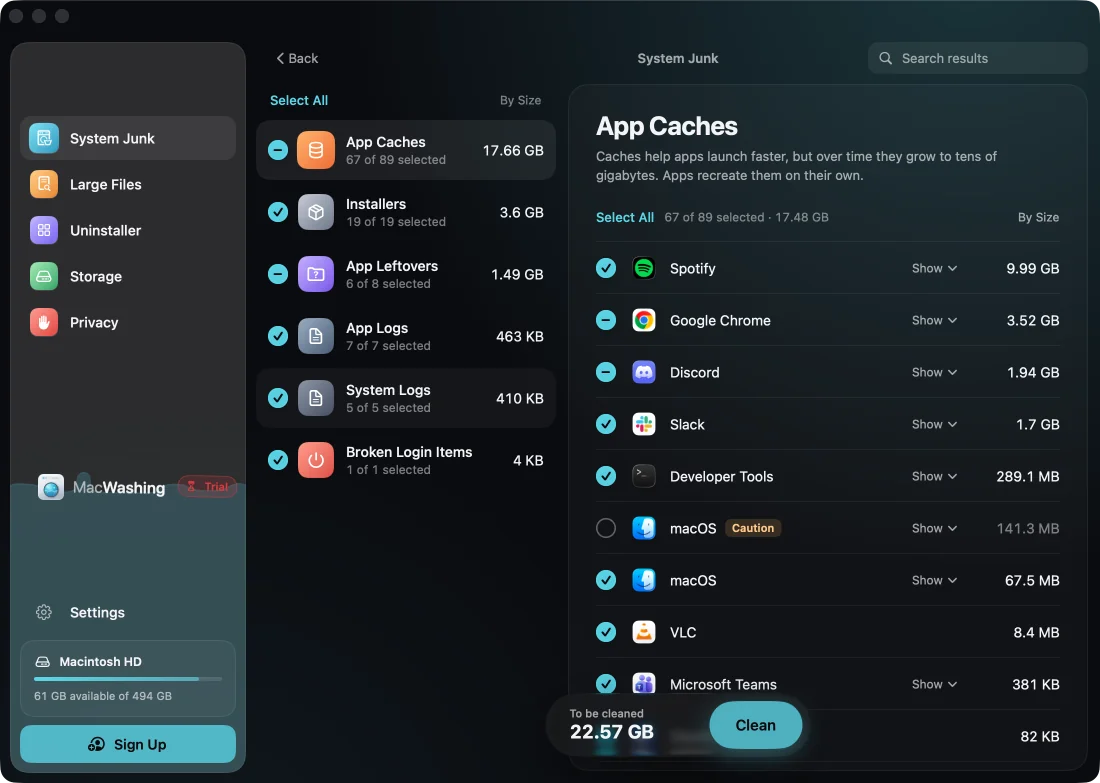
MacWashing after the scan1 of 2
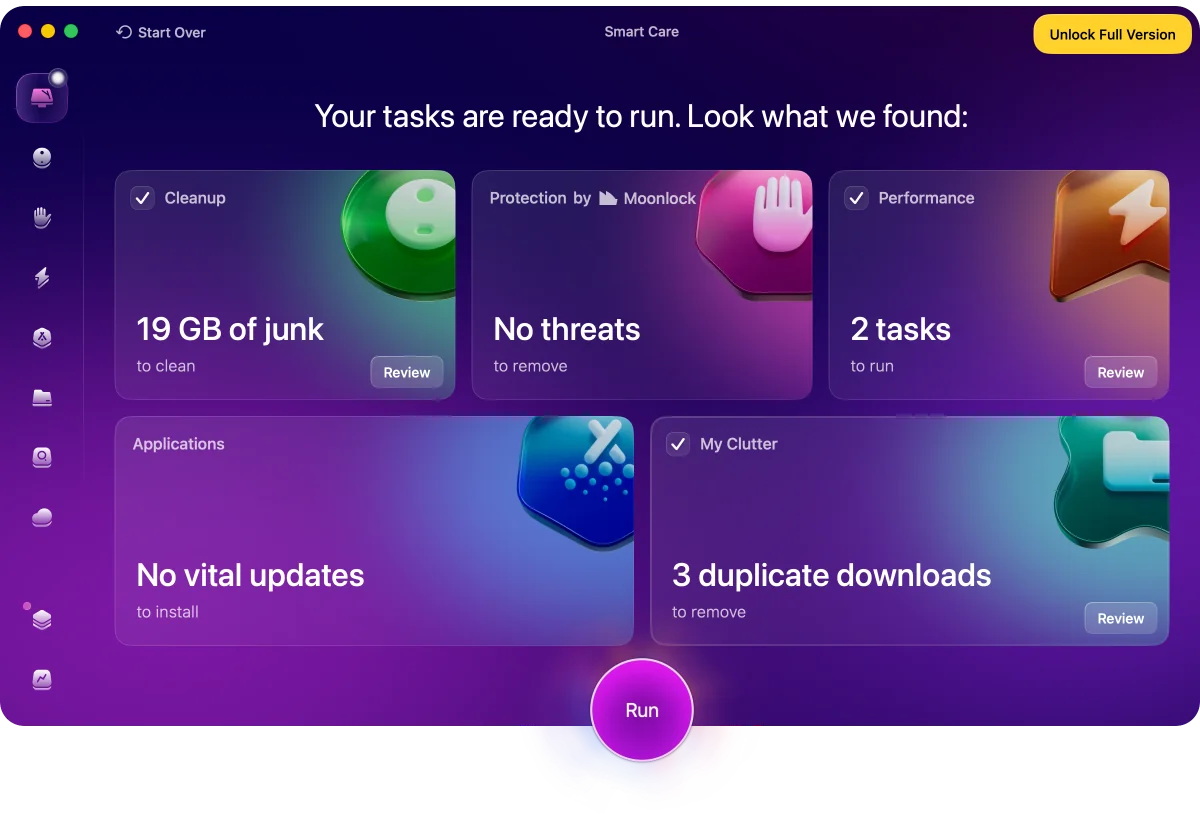
CleanMyMac after the scan2 of 2
How much each app found
MacWashingCleanMyMacjunk: caches, logs, leftovers of appsnot junk: languages and parts of apps, mail attachments, backups
Versions: MacWashing 2.3.4 · CleanMyMac 5.7.1
Is CleanMyMac safe?
In our tests CleanMyMac offered to remove 2 things that could break something — marked ⚠ in the charts above.
- Language Files — in 4 of 5 tests, 1 MB – 28 MBTranslations inside the installed apps' own bundles. Removing them is not cleaning junk — it changes signed apps, which can then fail their signature check or lose languages until reinstalled or updated.
- Universal Binaries — in every test, 160 MB – 697 MB, not checked by defaultThe Intel half of the installed apps' executables. Stripping it rewrites the apps themselves and breaks their code signatures.
MacWashing removes only what its rules database knows, and leaves alone what it can’t explain. Apps and large files go to the Trash by default, so they can be put back.
What to choose
MacWashingFound the most in the “Web developer” test: 25.34 GB. Dependencies of old projects (node_modules, vendor, .venv) are shown apart and not ticked.
MacWashingFound the most in the “iPhone developer” test: 37.77 GB.
MacWashingFound the most in the “Video editor” test: 25.76 GB.
MacWashingFound the most in the “Photographer” test: 23.35 GB.
MacWashingFound the most in the “Everyday user” test: 22.75 GB.
MacWashingRemoves only what its rules database knows. Apps and large files go to the Trash first. One app offered something risky — the ⚠ sign in the charts.